Showing posts with label N8. Show all posts

Saturday, March 19, 2011

Nokia N8 - your every day wonderphone..

Okay so I’ve used the N8 pretty much on and off again for the last 2 weeks. And I must say the phone has quietly impressed me in more ways than one. I don’t know if its just phone envy but during the testing period my xperia x10 phone just keeps acting up. Which leads me to believe that it might just be scared of the competition. Hehe yeah right.

Another bit of clever function being introduced by the N8 is the whole USB  on the go thingy. USB on the go basically enables the phone to become a USB host for your thumbdrives and other USB based peripherals. Now I was curious as to what other things that you can plug into the USB host cable. I tried a mighty mouse, it powers up but the phone can’t detect it. A 4GB thumbdrive was detected quite easily and u can open files as if its on the phone. The N8 can also power a USB fan. That would come in handy on a hot day.
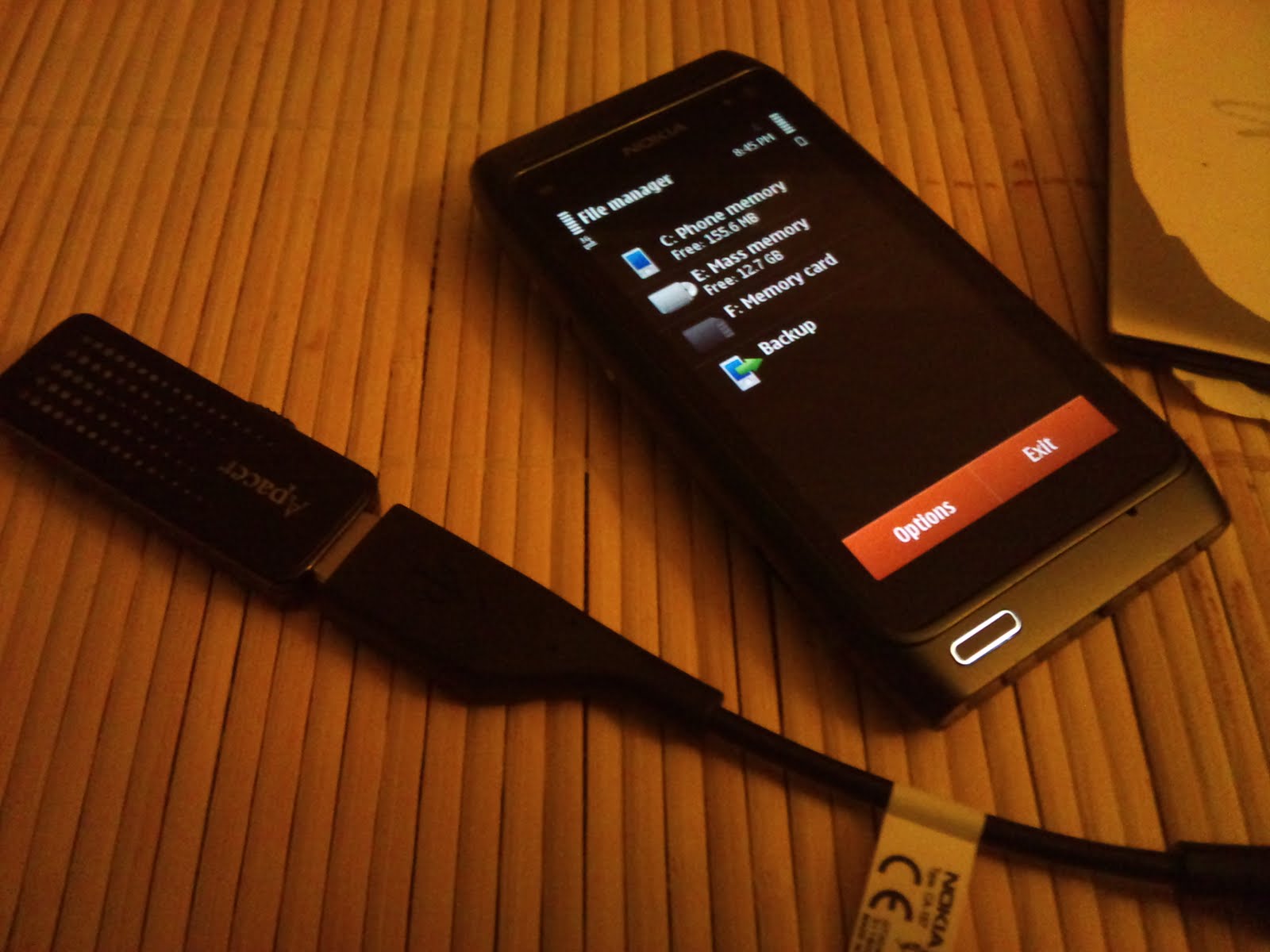
usb on the go

nope that won't work..

time to cool off..

The USB on the go function basically cut short the need to use a dedicated computer to transfer files into the phone. And it would definitely be much faster than Bluetooth or email.

hdmi adapter..

Another handy function that the N8 packs is the HDMI display out. Just plug in any normal sized HDMI cable to the adapter included and u can project your phone display onto a big screen tv.

just plug in baby..

37inch display anyone?

video on the big screen..

angry birds??

now here's an idea. hook up your N8 to a decently sized hdmi enabled tv. hook up a bluetooth keyboard and hey presto you have a computer for you to do your work. How handy is that eh?
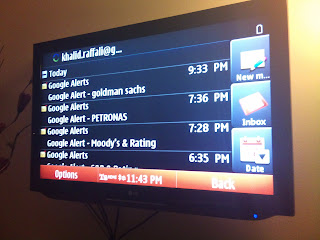
email anyone?

so there you have it. My review of the Nokia N8. I wanna thanks the fine folks at WOMWorld for giving me the opportunity to test the wonderful phone. If u need an allrounder that can perform when u need it, the N8 might just be the phone for you.

Saturday, March 12, 2011

Nokia N8 - Media and Maps

One handy function that almost all high end Nokias have is the FM transmitter. Its pretty handy when u have all your music collection in the 16GB storage and you're to lazy to bring all your cds in the car. You just set the transmitter to an unused frequency and tune your radio to it.

pretty handy

Its pretty convenient and the sound quality is okay too. Well its just like listening to the radio.

gallery..

I've taken a bunch of pics already and i must say i'm quite satisfied with how the pictures turned out. Can't seem to find any panorama options though. Even the E72 had that function but it was hampered by the lack of memory on the phone that most of the time when I wanted to take a panorama pic the phone just runs out of memory and pretty much ruins the shot. So far I haven't encountered any such problems on the N8 though.

Another hallmark service that nokia provides is the navigation functions offered through ovi maps. One of the reasons i still kept the E72 was because of the maps. Ovi maps are convenient because u can download maps offline and save a lot on data downloads if u were to use other online maps offering.

Maps..

Point to point voice navigations works quite well. Downloading the maps through ovi suite is also not complicated. There's a mark difference between the maps version on the E72 and the one on the N8. There's the 3d buildings and also online services like the lonely planet guide and other bits and bobs.


3d buildings..

You can also download voice packs to customize the navigation guidance. Try the surfer dude and get irritated in zero to 10 seconds. 

maps..

online services..

I didn't try however run the navigation whilst transmitting the music to the car radio though. Can it be done? Well we just have to try and find out eh.

Thursday, March 10, 2011

Nokia N8 - battery life and camera..

So I've been using the N8 as my main phone for the last couple of days. In terms of battery life, its better than my xperia x10 but not as good as my e72. Haven't really done an actual usage comparison but i typically have push mail running over the course of the day and the N8 goes down to half batteries by the time i arrived home around 8 or 9 pm. But i guess this depends on ur actual usage patterns. If you listen to mp3s, use wifi extensively, gps and all that jazz u should expect the battery to run out faster than u can say i'm flat.

Don't let the non user replaceable batteries scare you. Google and u can easily find guides on how to replace the battery if the need arise. But i believe the battery life would be enough for most users.

lil jj..

tada..

I have been taking snaps with the 12 mp camera and the xenon flash is fairly handy in low light conditions. Can it replace ur normal digital camera? Perhaps. I've seen some beautiful pics being taken with the N8, in fact they ran a competition or something on it. So it is definitely a contender for one of the best camera u can find on a phone.

The N8 also takes excellent videos. All in glorious HD. And the HDMI output makes it easier for you to share your videos on a big screen. Which reminds me i should probably try that out too. Transferred a rip dvd of Inception onto the phone at it plays smoothly enough. But i guess that's down to how u encode ur video right? The phone is truly a multimedia powerhouse.

For more sample pictures u can click here.

Monday, March 7, 2011

Nokia N8 - initial views..

So the first thing i noticed when holding the N8 is its excellent build quality. Design quirks aside, the phone itself is a fine piece of crafted machinery. It feels solid in the hand and you'll either like or hate the pronounced camera bump.

alternate home screen..

The N8 is running Symbian 3, for someone familiar with Symbian the look and feel is pretty similar to the one you're used to from the N97 or even the 5800. You could easily find the list of improvements from the Symbian s60v5 if u Google for it.

Anyway, the first thing that you notice when u start up the phone is how closely integrated it is with Nokia's Ovi service offerings. If you sync your contacts on Ovi i guess it'll be easy for you to transfer your contacts into your new phone. I chose to sync the phone using Mail for Exchange. My primary contact list is on my PC and i have it synced to my iPad, my xperia x10 and my e72. Keeps everything sync in the clouds. Hehe as long as the office server is up and running, I’m sorted.

Setting up MFE is easy. It’s integrated in the whole email set up process. You just need to know the settings. In a few minutes I had my contacts, calendar and email synchronized. Symbian 3 has three customizable home screens which u can populate however which way u want. It’s not as customizable as an android home screen but it works how it is supposed to...

home screen

For business users, the phone comes with quickoffice and adobe pdf. The quickoffice version is just for viewing only and u need to upgrade enable the editing functions. If you’re coming from the E series phone, quickoffice comes free with your phones. That pretty much sorts your business needs.

business apps

Next up, we’ll take a look at the N8’s multimedia capabilities.

Nokia N8 - preview


i know this review comes a tad bit late, but i only received an offer to test the phone just recently. so will be taking the phone through its paces and be testing it's business capabilities and its fun multimedia side.

thanks to the fine folks at http://www.womworld.com/nokia/